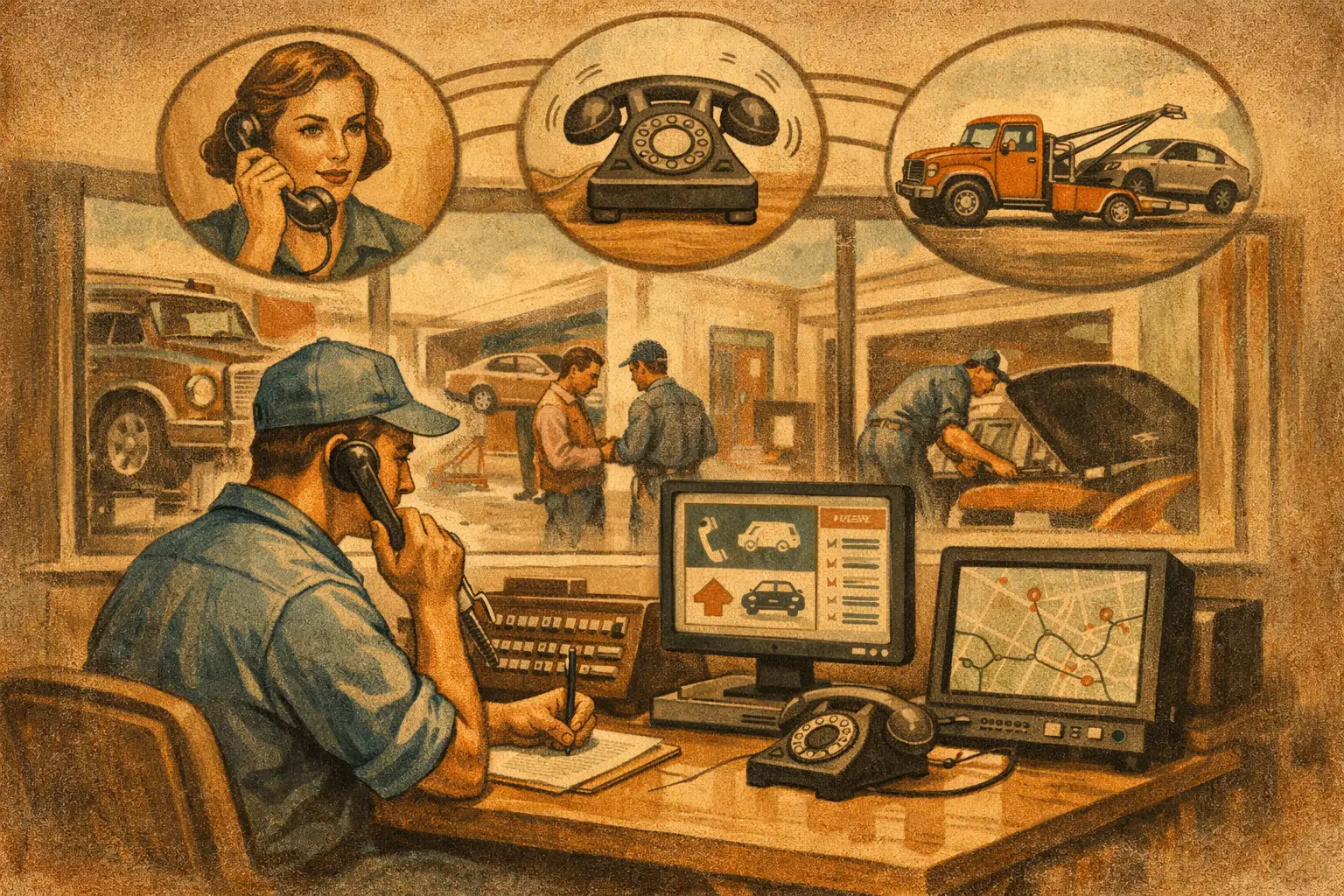
The phone rings while your service writer is explaining a brake estimate, a tech needs authorization on a stuck job, and the owner is already fielding a parts question. That caller is not just an interruption. They may be a same-day tow-in, a first-time customer with a misfire, or a fleet account looking for a shop they can trust. The best tools for shop call routing keep that opportunity from landing in voicemail or getting handled with a rushed, vague answer.
For an independent repair shop, call routing is not about building a fancy phone menu. It is about getting each caller to the right outcome: booked, answered, escalated, or captured for follow-up. The right tool depends on your call volume, staffing, and how much shop-specific judgment the system can apply.
What Good Shop Call Routing Actually Does
A basic phone system can send a call to another extension. That is routing in the narrowest sense. But a working repair shop needs more than a transfer rule.
A useful setup identifies why the customer is calling before it interrupts the wrong person. A caller asking whether you perform alignments should get a clear answer. A customer with a vehicle that will not start may need towing guidance or the next available diagnostic slot. A caller disputing an invoice should not be sent through the same booking path as someone asking for an oil change.
The system also has to respect your real operating rules. If you do not install customer-supplied parts, work on European diesel, take walk-ins after 3 p.m., or book certain jobs without an inspection, those rules need to be heard before a bad appointment hits the calendar. Good routing protects the front counter as much as it protects the caller.
7 Best Tools for Shop Call Routing
1. A Dedicated Shop Main Line
Start with a business number that belongs to the shop, not a service writer’s personal cell phone. A dedicated line gives you one place to manage ringing rules, after-hours behavior, voicemail, call records, and changes when staff turns over.
This is the foundation, not the whole answer. It works well for a very small shop with low call volume, but it does nothing by itself to qualify calls or book work. If every call simply rings the front desk until someone grabs it, you still have the same interruption problem.
2. Ring Groups for the Front Desk
A ring group sends an incoming call to more than one person, either all at once or in a sequence. For example, the service writer gets the call first, then the manager, then a designated backup. It is a practical step for shops where two or three people can occasionally cover phones.
The trade-off is obvious during a rush. If everyone is writing estimates, checking in cars, or talking to customers at the counter, the call can still go unanswered. Ring groups also make it easy for callers to get passed around when no one is clearly responsible for the next step.
3. Time-Based Call Rules
Time-based routing lets the shop handle opening hours, lunch coverage, evenings, weekends, and holidays differently. During business hours, calls can try the front desk or an answering workflow. After closing, they can be captured with the caller’s vehicle details and requested service.
This matters because after-hours callers are often motivated. They are stranded, planning the next day’s repair, or calling around after work. Sending every one of those calls to a generic voicemail greeting is a reliable way to make the next shop’s phone ring.
Set the rules honestly. If no one reviews overnight messages until late morning, do not promise an early response. A clear expectation and a complete message beat an empty promise.
4. A Call Menu for Simple Sorting
A short phone menu can separate common needs: existing repair status, new appointment requests, directions, or billing questions. Used sparingly, it gives staff fewer wrong-desk calls and helps customers get pointed in the right direction.
Keep it short. Repair customers do not want to hear six options while they are standing beside a disabled vehicle. Menus are best for straightforward sorting, not for replacing a real conversation. If the caller has to guess whether a transmission concern belongs under option two or option four, the menu is working against you.
5. Voicemail-to-Text and Call Notes
When a live answer is not possible, voicemail transcription and structured call notes are a meaningful upgrade. The person returning the call can see the customer’s name, number, vehicle, stated concern, and preferred time instead of replaying a muffled message three times.
It is still a backup plan, not a booking engine. Customers often leave incomplete information, and the return call creates more phone tag. Use this tool to make missed calls recoverable, especially for after-hours coverage, but do not confuse recoverable with handled.
6. A Live Answering Service
A live answering service gives callers a person instead of a voicemail box. That can be a major improvement for shops with unpredictable call spikes, especially when the front desk is thin or the shop is closed.
The weak point is automotive context. A general agent may be polite but still struggle with questions that need shop judgment: whether a noise complaint needs diagnosis, whether a repair is covered by warranty, whether you accept a certain vehicle, or whether a same-day slot is realistic. Before choosing this option, listen to sample calls and ask exactly what the agent can book, what they must escalate, and how they document the vehicle concern.
7. An Automotive-Specific AI Receptionist
For many busy independent shops, this is the most complete routing option because it can answer, qualify, and route calls based on the shop’s actual rules. Rather than dumping every call onto a staff member, it can handle common questions, collect year-make-model details, offer approved appointment windows, capture after-hours leads, and hand off the calls that truly need a human.
The difference is in the setup. A generic AI voice may sound competent until a caller asks about a diesel no-start, a warranty recheck, customer-supplied parts, or a quote that cannot responsibly be given without inspection. An automotive-focused service should map those scenarios before it goes live, learn your service exclusions, follow your booking windows, and make escalation rules clear.
Ratchet Call is built around that shop-level configuration, including real calendar rules and live handoffs when a service writer needs to take over. That approach fits shops that want the phone answered without pretending every repair question has an automatic answer.
How to Choose the Right Routing Setup
Pick the tool based on where calls are failing now. If calls are mainly missed after closing, time-based routing and strong after-hours capture may solve the immediate issue. If calls are missed all day because the counter is underwater, you need live coverage or an AI receptionist that can complete more of the conversation.
Then look at booking authority. Some shops want every appointment request passed to a person. Others are comfortable allowing certain services to book into defined openings. Neither approach is wrong. The mistake is using a system that books work your team cannot take or forces staff to rework every appointment it creates.
Ask practical questions before signing up: Can it recognize existing customers versus new callers? Can it collect vehicle details? Can it explain basic service policies? What happens when someone is upset? Can it route an active customer repair question to the correct person? Can you review real calls and tighten the rules after launch?
Those answers matter more than a long feature list. A tool that handles fewer tasks accurately is better than one that promises to do everything and creates bad appointments.
Build Call Logic Before You Turn It On
The strongest call-routing setups are planned like a front-desk process, not installed like a gadget. Write down your top call reasons and decide the right outcome for each one. New appointment requests, status checks, estimates, towing questions, warranty concerns, fleet calls, payment questions, and upset callers should not all follow the same path.
Next, define the guardrails. List services you do not perform, vehicle types you do not accept, appointment types that require manager approval, and the times when same-day work is no longer available. Give the system a clear rule for when to transfer a call rather than guessing.
Finally, review the first live calls. Listen for wrong assumptions, missing questions, awkward handoffs, and calendar issues. A routing tool gets more valuable when it is tuned to how your shop actually works on a Tuesday afternoon, not how someone imagines it works from a script.
The right phone coverage should leave your team with fewer interruptions and your customers with a clear next step. Shops can hear it firsthand by calling the live demo line: (615) 558-5787.