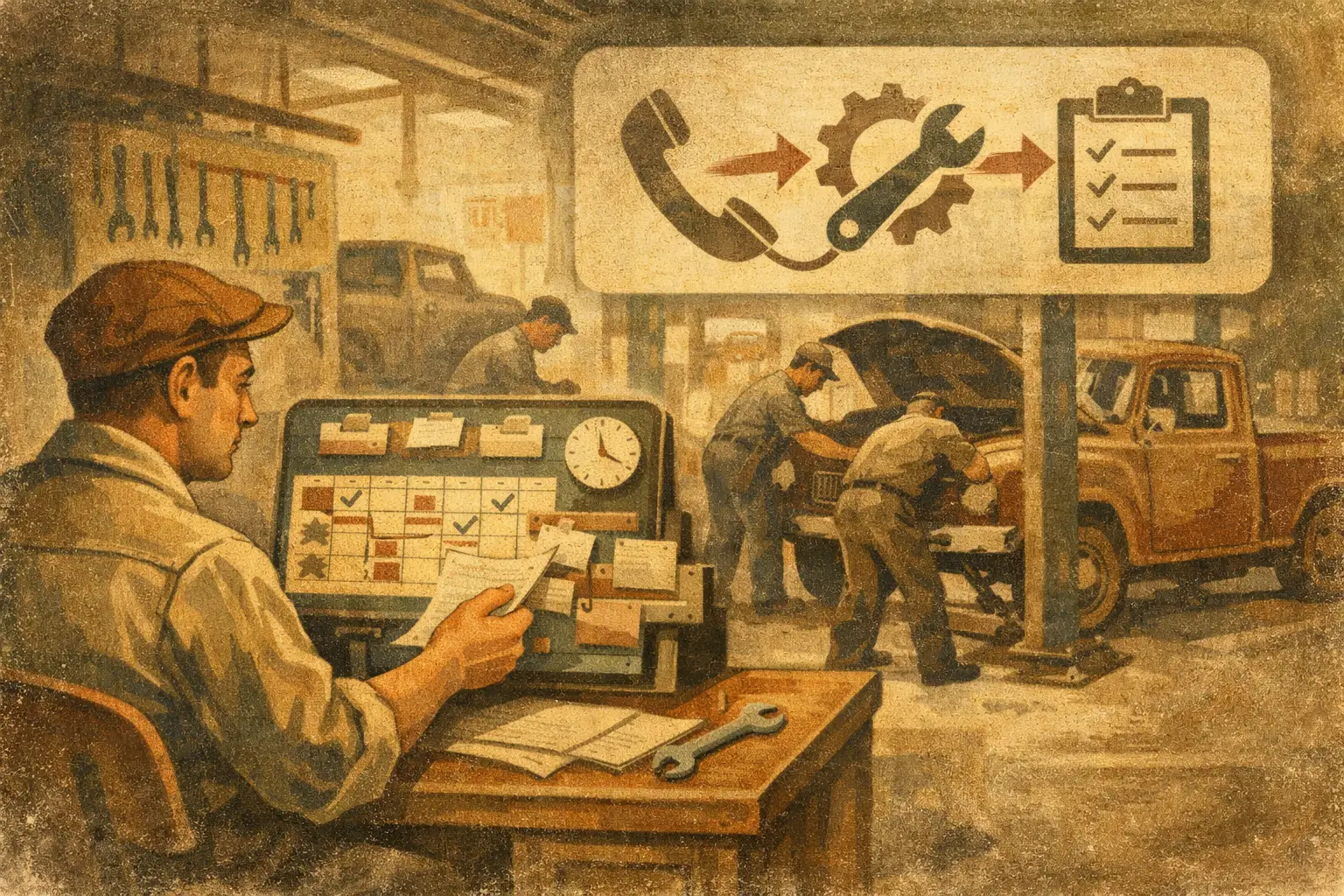
The phone rings while a service writer is checking parts availability, a technician needs an approval, and a customer is waiting at the counter. That is exactly where service scheduling automation earns its keep. It does not just put names on a calendar. Done right, it answers the call, asks the right questions, protects the schedule, and gives the caller a clear next step without pulling your team off the work already in the bays.
For an independent repair shop, the goal is not to automate every conversation. The goal is to stop losing good work because nobody could grab the phone at the right moment. A caller with a no-start, a flashing check-engine light, or brakes grinding needs different handling than someone asking for an oil-change opening. Your scheduling rules have to reflect that reality.
What Service Scheduling Automation Should Actually Do
A calendar alone is not service scheduling automation. A calendar can show an open slot, but it cannot decide whether the job belongs in that slot, whether the vehicle needs diagnosis first, or whether the customer needs to speak with a human before booking.
A useful system starts with the same judgment an experienced front-desk service writer uses. It identifies why the caller is calling, gathers enough vehicle and service information to route the request, and follows the shop’s booking rules. For a routine maintenance visit, that may mean offering the next available maintenance window. For an intermittent stalling complaint, it may mean booking diagnostic time rather than promising a repair appointment the shop cannot accurately schedule yet.
That distinction matters. A packed calendar is not a healthy calendar if it is full of jobs that were booked with the wrong time allowance, wrong expectations, or missing information. Automation should create cleaner appointments, not create more cleanup for the service desk.
The calls that need different paths
Most shops handle a predictable mix of inbound calls, but each category needs its own path. Maintenance calls can often be scheduled quickly once the agent knows the vehicle, requested service, and preferred timing. Repair concerns need a little more care. The caller may describe a noise, warning light, vibration, leak, no-start, or drivability issue. The right next step is often a diagnostic appointment, with language that makes it clear diagnosis comes before an estimate or repair promise.
Then there are calls that should not be booked automatically at all. Warranty questions, body work, tow-ins, commercial fleet requests, jobs your shop does not perform, and customers who are already upset may need a handoff or a callback task. Good automation does not force every caller through the same booking funnel. It knows when to book, when to collect details, and when to get a person involved.
Build the Rules Before You Turn It On
The automation is only as good as the operating rules behind it. Before calls are handled live, map out what your shop will and will not schedule. This is the part that separates a helpful front-desk tool from a generic script that creates headaches.
Start with service categories and realistic appointment lengths. An oil change, tire rotation, state inspection, pre-purchase inspection, diagnostic, and brake concern do not deserve the same calendar block. If you reserve certain times for drop-offs, waiting appointments, or larger jobs, those rules need to be in the scheduling logic too.
Next, define your exclusions. Maybe you do not work on European vehicles, diesel trucks, collision repair, certain hybrids, or customer-supplied parts. Maybe you accept tow-ins only during business hours, or you cannot promise same-day work after a certain cutoff. Those are not minor details. They are the difference between setting expectations correctly and starting a new customer relationship with frustration.
Finally, set escalation rules. Decide what happens when a caller asks for a price without enough information, says another shop diagnosed the vehicle, wants an update on an existing repair, or is unhappy with prior work. The automated receptionist should be able to handle routine questions, but it should also know the exact point where it hands the call to your staff or captures the details for a prompt callback.
Protect the Schedule, Not Just the Phone Line
The biggest mistake shops make is treating every empty spot as bookable inventory. It is not. Some openings need to stay available for jobs already in progress, parts delays, follow-up diagnosis, or the customer who approves additional work at 2 p.m. If automation fills every gap without restraint, it can make the day look productive while making the shop harder to run.
Service scheduling automation should respect capacity by service type, technician availability, and the workflow your shop actually follows. A two-tech shop with one diagnostic specialist needs different rules than a seven-bay operation with multiple service writers. There is no universal setting for same-day appointments. It depends on your staffing, parts access, average car count, and how much schedule disruption your team can absorb.
A sensible approach is to create controlled booking windows. You might allow routine maintenance in selected blocks, reserve diagnostic appointments at defined times, and hold back a portion of the day for work already on the floor. That gives callers a real appointment while keeping the team from getting buried by a calendar that looked good at 8 a.m. and fell apart by lunch.
Make Every Appointment Useful Before the Car Arrives
A booked appointment should give your service writer a running start. At minimum, the record should capture the caller’s name, callback number, vehicle year, make and model, requested service or concern, preferred appointment time, and any relevant symptoms they described.
For repair concerns, the wording matters. “Check engine light is on and vehicle is running rough after a long highway drive” is more useful than “needs engine work.” The automation does not need to diagnose the car over the phone. It needs to document the concern accurately enough that your staff can prepare, set the right appointment type, and avoid repeating the same intake questions when the customer arrives.
Price questions need careful handling too. A caller asking, “How much for brakes?” may have worn pads, damaged rotors, a seized caliper, or a vehicle-specific parts cost that changes the answer. The right response is not a made-up quote. It is a clear explanation of what can be discussed generally, what requires inspection, and how the shop handles an estimate. That protects your margins and keeps the customer from hearing a number that will not hold up later.
Keep the Human Handoff Fast and Clean
Some calls are too important, too unusual, or too heated for automation to finish alone. The handoff should feel like a real front desk, not a dead end. When staff is available, the system should transfer the call with the context already collected. Nobody wants to explain the whole story twice.
When the team cannot take the call, capture the details and make the callback expectation specific. A vague promise that “someone will get back to you” is easy to miss in a busy shop. A clear task tied to the caller, vehicle, concern, and urgency is much more likely to get handled before the lead goes cold.
After-hours coverage follows the same rule. The objective is not to pretend the shop is open at midnight. It is to answer professionally, gather the information, explain the next available step, and make sure a good lead is waiting for the team in the morning instead of calling the shop down the road.
Review the First Calls and Tune the Workflow
No shop gets every rule perfect on day one. The first live calls reveal what customers actually ask, where callers get confused, and which service categories need tighter instructions. Review those early conversations closely. Look for appointments that lacked vehicle details, pricing questions that should be routed differently, or callers who needed a faster handoff.
Then tune the workflow. Maybe your diagnostic slots are filling too quickly. Maybe callers keep asking whether you perform alignments, inspections, or tire work. Maybe the service writer wants a different note format before accepting handoffs. Small adjustments make the system sound less like automation and more like a front desk that knows how your shop runs.
That is the practical advantage of a purpose-built setup. Ratchet Call maps call scenarios, service knowledge, scheduling windows, exclusions, and escalation paths around the individual shop before taking live calls. The result should be fewer interruptions for the crew and fewer callers left wondering whether anyone picked up.
The best test is simple: listen to a few calls and ask whether you would trust that person to answer your shop phone during the busiest hour of the day. If the answer is no, the rules need work. If the answer is yes, your team gets back time to diagnose, repair, communicate at the counter, and move vehicles through the bays.
Shops can hear it firsthand by calling the live demo line: (615) 558-5787.