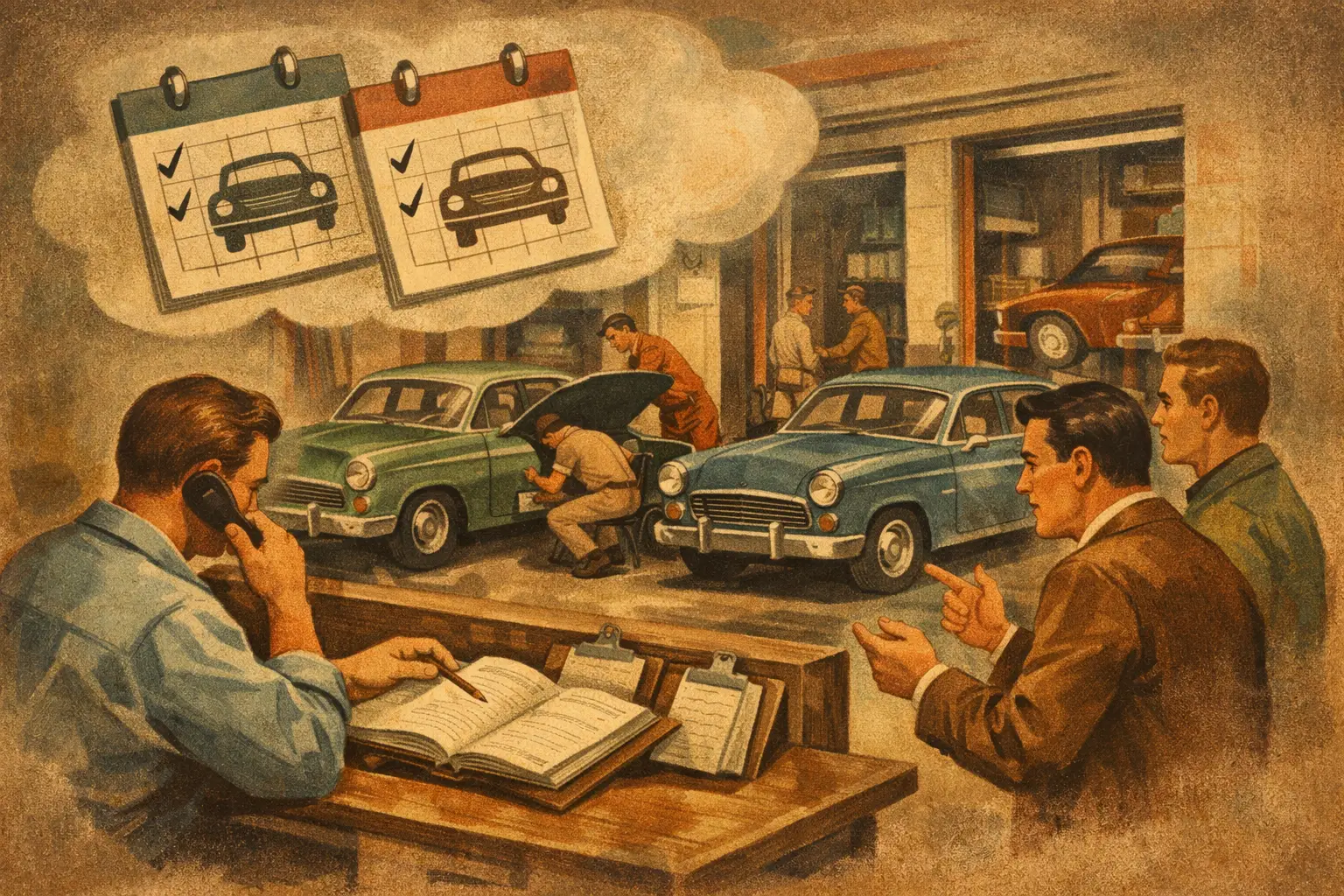
A duplicate booking rarely starts as a customer trying to cause trouble. More often, they called during a rush, left a voicemail, booked online, then called back because nobody confirmed the first request. Or a spouse calls with the same vehicle while the original caller is standing at the counter. If you want to prevent duplicate auto service bookings, the fix is not simply telling staff to be more careful. Your shop needs booking rules that catch the overlap before it steals a bay, a technician’s time, or a customer’s patience.
For an independent repair shop, calendar mistakes have a real cost. A second oil change can sometimes be sorted out quickly. A duplicated diagnostic appointment, a tow-in, or a timing job blocked into the same limited window can wreck the day’s production plan. The goal is a front desk that verifies before it promises, documents every contact, and knows when a request needs a human decision.
Why Duplicate Appointments Happen in Real Shops
Most duplicate appointments come from gaps between communication channels. The phone rings while the service writer is checking in a vehicle. The caller leaves a message, then submits an online request. A staff member returns the call later and books the job without checking the earlier note. Now the calendar has two appointments for the same car, same concern, and often the same customer.
The other common source is incomplete customer information. “I need brakes on my Honda next week” is not enough to safely search a schedule. Is it a 2016 Civic or a 2023 Pilot? Is the caller the vehicle owner? Has a different family member already called? Without a consistent way to identify the vehicle and concern, duplicate detection becomes a memory test during the busiest part of the day.
Then there are intentional-looking duplicates that are actually unresolved questions. A customer may book an inspection online, call to ask whether you handle European vehicles, and receive a second appointment because the first one was not found. Or they may ask for a same-day repair after already scheduling for Friday. The right response may be to replace the first appointment, not stack both on the calendar.
Prevent Duplicate Auto Service Bookings With One Source of Truth
Your appointment calendar has to be the final answer. That sounds obvious, but it falls apart when the shop uses a paper pad at the counter, a personal text thread, voicemail notes, and an online booking form that are not reviewed in the same workflow.
Every request should land in one place before it becomes a confirmed appointment. That does not mean every customer contact must be handled identically. A quick oil change request can follow a simple path. A no-start, overheating issue, or check-engine-light diagnosis needs more detail and may require a service-writer review. But both should be visible to the person controlling the schedule.
Set a firm distinction between a request and a confirmed booking. A voicemail or web form should be labeled as pending until somebody checks availability, service fit, and existing appointments. This protects the shop from promising a time slot that is already spoken for and keeps customers from assuming a form submission is a guaranteed reservation.
Search by More Than a Customer Name
Names alone are weak duplicate filters. Repeat customers may use a spouse’s name, a business name, or a nickname. Use a short verification routine before a new booking is created: customer name, callback number, vehicle year/make/model, and the reason for the visit.
When possible, add the license plate or VIN to the customer record. You do not need to turn every phone call into an interrogation. You do need enough information to spot that “Mike with the F-150” is likely the same truck already set for Tuesday morning under his wife’s number.
The concern also matters. A vehicle booked for an oil change and a separate call about a brake grind may be two legitimate needs that should be combined into one visit. A vehicle booked twice for “AC not cold” is almost certainly a duplicate or a reschedule. Train the team to look at the full picture, not just whether a name appears on the calendar.
Do Not Let Every Channel Book Freely
Online scheduling is useful, but it should not have the same authority as a trained service writer for every job. Some work belongs in a controlled booking path: diagnostics, electrical concerns, drivability issues, major repairs, fleet work, tow-ins, warranty questions, and jobs that require parts confirmation.
Build service-specific rules around bay time and shop capability. If your shop does not service diesel, program that exclusion. If state inspections only happen during set hours, keep those slots separate. If you can handle two maintenance appointments at 8:00 but only one diagnostic intake, the calendar needs to reflect that reality.
This is where generic scheduling tools often create trouble. They see open time. Your front desk sees the difference between a tire rotation, a pre-purchase inspection, and a vehicle that might need to be pushed into a bay. Booking logic should operate like an experienced service writer, not a blank calendar with time blocks.
Make Confirmation Do the Heavy Lifting
A clear confirmation message prevents a surprising number of duplicates. It gives the customer something concrete to recognize before they call again, and it gives them a simple way to correct an error.
Confirm the appointment date and time, vehicle, requested service, and the shop’s callback number. For diagnosis, avoid promising a repair completion time before the vehicle has been inspected. Say what is actually booked: diagnostic evaluation, inspection, estimate review, or maintenance service. Clear language reduces the “I thought I was scheduled for a repair” problem that can create a second call and another appointment.
A reminder before the appointment is equally useful, especially for customers who schedule several days out. If they no longer need the slot, they can cancel instead of calling to book again. If the time is wrong, your team can correct it while there is still room to protect the day’s workflow.
Build a Reschedule Rule, Not a Second Appointment
Every person answering phones should know the difference between adding and moving an appointment. When a caller says, “I think I already have something scheduled,” stop before creating a new entry. Search the customer and vehicle details, then confirm whether they want to keep, cancel, or move the existing visit.
This needs to be a stated shop rule, especially for after-hours coverage and overflow call handling. The safe default is: if there is any sign of an existing booking, verify it before making another one. If the record cannot be confirmed, mark the request for review rather than filling a second slot with assumptions.
There is a trade-off here. A cautious review process may add a few minutes before a booking is finalized. That is usually a far better outcome than double-booking a limited diagnostic bay or turning away a customer who expected you to have room. The process should be fast, but it should not be careless.
Give After-Hours Calls Their Own Rules
After-hours callers are often the most likely to submit multiple requests. They may leave a voicemail, use an online form, call again in the morning, and expect an immediate answer because their vehicle is down. If those contacts are handled independently, duplicates are almost guaranteed.
Capture enough detail after hours to identify the customer, vehicle, concern, urgency, and preferred callback time. Then queue the request for a single review when the shop opens. Do not automatically promise same-day availability for every caller, particularly for complex diagnostics or vehicles that may arrive by tow.
A specialized AI receptionist can be valuable here when it is trained on your actual booking rules, services, exclusions, and handoff triggers. Ratchet Call, for example, is built to follow shop-specific logic instead of treating every open calendar slot as interchangeable. The setup matters more than the label on the tool. Your phone coverage should know when to book, when to collect details, and when to hand the call to the service team.
Review the Mistakes That Keep Repeating
If duplicate appointments are happening weekly, do not treat each one as a one-off front-desk slip. Look for the pattern. Are duplicates coming from online forms and phone calls? Are certain staff members skipping the vehicle search? Are reminders unclear? Is the calendar allowing more diagnostic work than the shop can actually intake?
Review a small sample of booking calls and calendar corrections each week. You are looking for practical fixes: a better intake question, a clearer service category, a rule for family vehicles, or an escalation path for uncertain callers. The best processes are adjusted after they meet the real messiness of a working repair shop.
Your technicians should not have to find out at 9:15 that the same vehicle was booked twice at 8:00. Put the verification work where it belongs: before the promise is made. A clean calendar gives service writers room to sell the right work, technicians room to produce, and customers confidence that somebody at the shop has their visit under control.
Shops can hear it firsthand by calling the live demo line: (615) 558-5787.