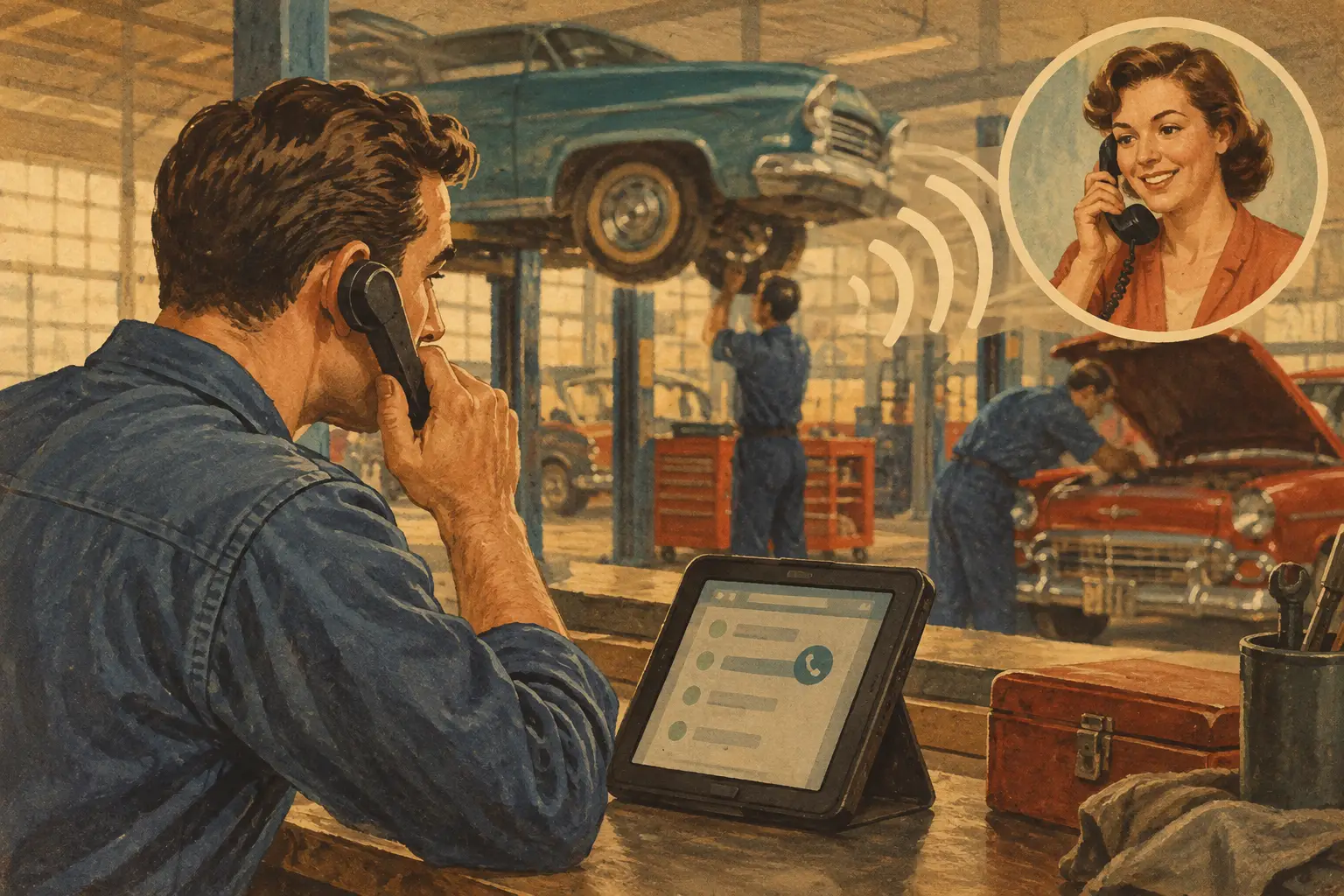
A missed call at 10:30 a.m. is rarely just a missed call. It might be a brake job that goes to the shop down the road, a stranded customer needing a tow recommendation, or a regular customer who gives up after reaching voicemail twice. The best auto shop callback tools do more than create a reminder – they make sure every caller gets a timely, useful response without dragging a technician or service writer away from the work in front of them.
For an independent shop, the right setup depends on what happens after the phone rings. If calls are missed because the counter is slammed, you need coverage. If calls are answered but estimates and voicemails pile up, you need better follow-up routing. If your biggest leak happens after 5 p.m., you need after-hours capture that does not promise work you cannot schedule. The tool matters, but the callback process matters more.
What callback tools need to do in a real shop
A callback tool should remove loose ends from the day. It should capture the caller’s name, phone number, vehicle, concern, urgency, and preferred time to talk. Then it needs to put that information in front of the right person before the caller has already booked elsewhere.
That sounds basic until you look at the calls a front desk handles. Someone may ask whether you work on European vehicles, whether you can diagnose a check engine light today, or whether you install customer-supplied parts. A generic callback note that says, “Call about repairs” is not enough. Your team needs context so the return call starts with an answer, not another round of intake.
The strongest systems also separate calls that need an immediate handoff from calls that can wait. A customer whose vehicle is blocking traffic is different from someone pricing tires for next month. A fleet manager requesting status on a vehicle is different from a cold caller trying to sell card processing. Good call handling recognizes the difference.
The main types of auto shop callback tools
There is no single winner for every shop. Most effective phone operations combine two or three of these functions, depending on staffing and call volume.
Missed-call alerts and text-back tools
These tools notify your team when a call goes unanswered and can send an automatic text acknowledging the missed call. They are a solid starting point for a shop that already has someone responsible for returning calls.
Their weakness is obvious: an alert does not create time. If the same service writer is trying to call back 12 people between write-ups, parts calls, and customer updates, the queue still grows. Automatic texts can buy you a little patience, but they cannot answer a pricing question, screen a service request, or place a customer on the schedule.
Use this approach when missed calls are occasional and you have a disciplined owner, manager, or service advisor who reliably clears the callback list every day.
Shared inboxes and call task systems
A shared inbox turns calls, texts, and voicemails into assigned tasks. It helps prevent the classic front-counter problem where everyone assumes somebody else called the customer back.
This works well for shops with multiple advisors, especially when there is a clear owner for each task. The trade-off is that the system only stays clean if your team uses it. If calls are logged inconsistently or assignments sit untouched, the software becomes another screen full of red dots.
Set rules before you turn it on. Decide who owns callbacks, how fast first contact should happen, and what gets escalated. For example, same-day appointment requests may need a response within minutes, while a routine estimate follow-up can be assigned for later that afternoon.
Customer relationship and appointment follow-up tools
Customer management tools are useful when the callback is tied to an existing repair order, declined work, maintenance reminder, or estimate approval. They give the team vehicle history and prior notes, which makes follow-up more personal and more accurate.
These tools are better at ongoing relationship work than instant phone coverage. They can help bring back customers who declined brakes six months ago or remind someone that their vehicle is due for service. But they do not solve the interruption problem when the phone rings while everyone is checking in cars.
Live answering and AI receptionist services
For shops that routinely miss calls during business hours or lose leads after hours, live answering or an automotive-focused AI receptionist can be the most complete callback tool. Instead of waiting for a missed call, the system handles the first conversation, captures the right details, answers approved questions, and books within the rules you set.
The value is not simply that someone answers. The value is having phone coverage that knows your service boundaries. It should not book a diesel repair if your shop does not work on diesels. It should not promise same-day diagnostics when the calendar is full. And it should know when an upset customer, warranty concern, or repeat repair needs to reach a real staff member.
This option takes more upfront setup than a basic text-back tool. The best providers map your call scenarios, service exclusions, booking windows, handoff rules, and FAQ answers before calls go live. Ratchet Call, for example, is built around that shop-specific setup rather than a generic receptionist script. That is the difference between coverage that helps the front desk and coverage that creates cleanup work.
How to compare the best auto shop callback tools
Start with the calls you are losing, not the feature list. Pull a week of missed-call logs and listen to voicemail. You may find that most missed calls come during the morning rush, lunch, or the last hour before closing. You may also find that many callers never leave a voicemail at all. Those are the people a voicemail-based process will not recover.
Then ask whether each tool can handle these four practical jobs:
- Capture the vehicle concern and customer details without forcing the customer to repeat themselves.
- Follow your actual booking rules for inspections, diagnostics, drop-offs, and same-day availability.
- Escalate calls that need a person now, including active customer disputes, tow situations, and questions outside the approved script.
- Give your team a clear record of what was said and what action comes next.
Do not confuse fast response with useful response. A text that says someone will call soon is better than silence, but a caller asking whether you can inspect a vehicle before a road trip needs something more specific. The right tool gives a credible next step without overpromising.
Also look closely at customization. Shops vary more than software demos admit. One shop may welcome walk-ins for oil changes but require appointments for diagnostics. Another may service domestic and Asian vehicles only, stop taking work at a certain time, or reserve part of the day for fleet accounts. If the tool cannot follow those rules, it will cost your team time instead of saving it.
Build a callback workflow your team will actually use
The cleanest workflow is simple: answer when possible, capture when busy, route what matters, and close the loop. Complexity usually shows up when nobody decides who owns the next step.
Assign one person or role to review unresolved calls at set times each day. Morning, midafternoon, and before closing are usually enough for a small shop. The goal is not to make everyone watch a dashboard all day. The goal is to make sure no customer waits until tomorrow because a note got buried.
Create clear handoff categories. New appointment requests may go straight to the schedule. Existing-customer status calls may go to the assigned advisor. Technical questions can be collected for a return call rather than answered by someone guessing. Payment disputes, comebacks, and angry callers should reach a manager with the call details attached.
Keep your booking rules honest. If you are booked out for diagnostics until Thursday, say Thursday. If a customer needs to drop off a vehicle before you can fit it in, make that clear. Straight answers protect the customer experience better than a vague promise that forces your team into an uncomfortable callback later.
Watch the numbers that show whether it is working
You do not need a wall of reports. Track missed calls, recovered conversations, appointments booked from phone leads, and average time to first response. If you use live coverage, review a sample of calls each week during the first month. Listen for wrong assumptions, unclear phrasing, and situations that should have been escalated.
The right callback system should reduce interruptions while increasing confidence at the counter. Service writers should spend less time digging through voicemails and more time writing accurate repair orders. Owners should not have to call leads back from the alignment rack. Customers should feel like they reached a shop that has its act together.
A basic missed-call text may be enough for a low-volume operation. A busy shop with two advisors and constant interruptions may need a receptionist workflow that answers, qualifies, and books. Choose based on the gap you are trying to fix, then tune the process after real calls start coming in.
Shops can hear it firsthand by calling the live demo line: (615) 558-5787.